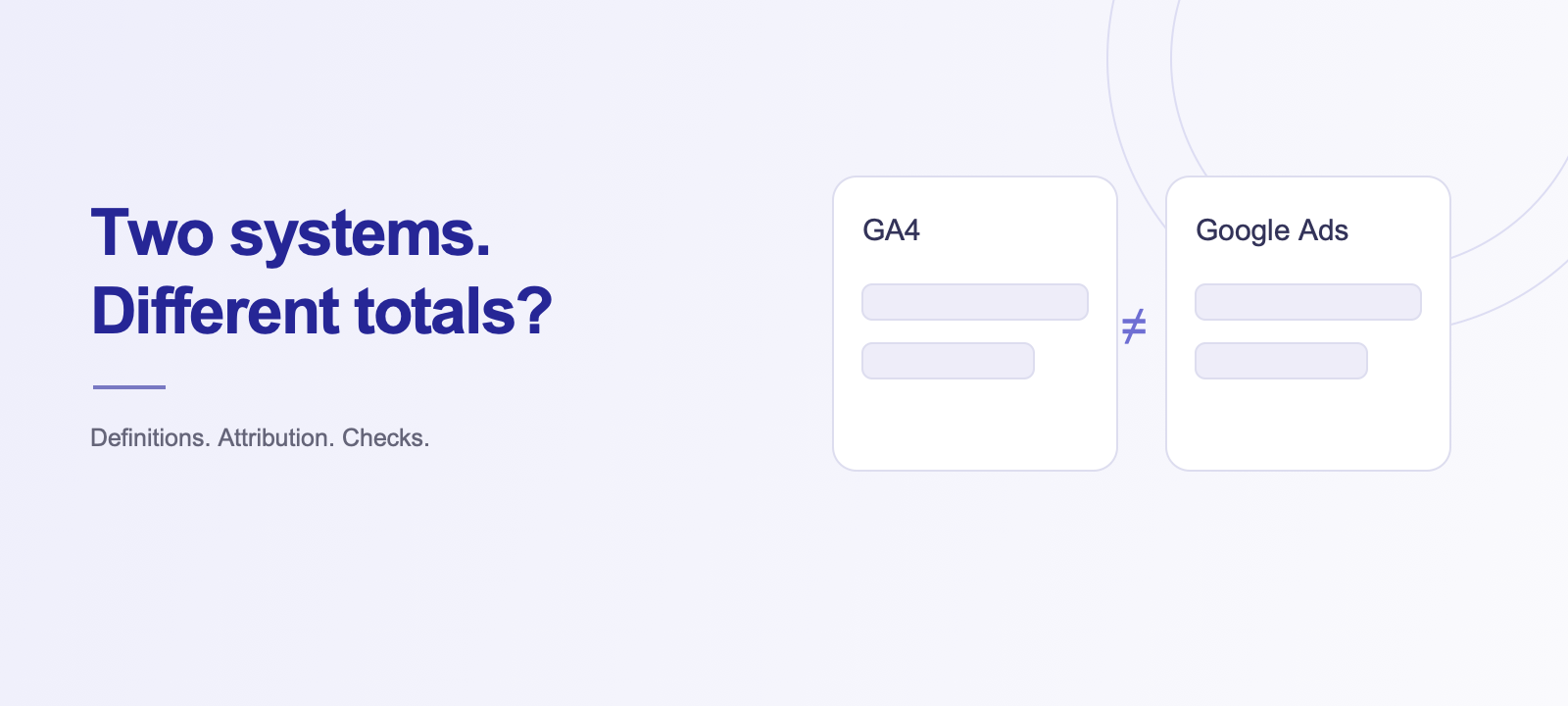
GA4 shows more enquiries than Google Ads, while your CRM gives you a third number? It becomes difficult to tell whether advertising brings customers or whether enquiries are being lost. The difference may reflect normal reporting rules, duplicate events or missing tracking. Here is how to investigate it before using those numbers to make budget decisions.
Make sure you are comparing the same action
A form submission, a phone-number click and a completed sale are different outcomes. Record the name, trigger and reporting method for each action in both systems. In GA4, important interactions can be marked as key events; Google Ads uses configured conversion actions.
Compare advertising conversions in GA4’s advertising reports with the corresponding Google Ads conversions. Key events in behavioural reports can cover a different set of activity. All-channel enquiries and conversions attributed to advertising are also different populations. Separate total confirmed enquiries, advertising enquiries and qualified leads.
Align the report settings
Check the date range, time zone, attribution model and window, counting method, columns and filters. The same calendar dates can represent different conversion timing. Allow for processing delays before drawing conclusions from the latest hours.
| Question | What to record |
|---|---|
| What counts as a result? | The action and its successful-completion condition |
| Which traffic is included? | All channels or specified advertising interactions |
| When is it credited? | Report timing and time zone |
| How is credit assigned? | Attribution settings |
| Is processing complete? | The freshness of each source |
Google explains these differences in its conversion reporting guidance. Check the actual metric rather than relying on the general label “conversions”.
Trace missing and duplicate events
Follow one agreed test from the website to the reports. The event should fire after a successful action, rather than merely after a button click. For an order, compare its transaction ID and value with the store record. Reopening a confirmation page should not represent a new sale.
- Check whether tracking was installed through more than one route.
- Check whether the same action is counted by two primary conversions.
- Follow parameters through redirects and checkout.
- Test mobile forms and different enquiry routes.
- Verify that tag behaviour follows the user’s consent choices.
Reconcile tracking with actual enquiries
Your CRM and order records help establish whether an action occurred. Remove duplicates and account for cancellations using an agreed matching method. Keep personal information out of arbitrary analytics parameters.
Hypothetical example: GA4 records 30 enquiries across all channels, Google Ads reports 18 attributed to advertising, and the CRM contains 28 unique contacts after duplicates are removed. Investigate the populations and the two repeat enquiries before calling this a tracking error.
Keep a record of the discrepancies
Record the expected event, actual data path, affected period, scale and verification after a change. Separate normal methodological differences from confirmed tracking losses. A change log also explains breaks in historical reporting. A Looker Studio dashboard can present agreed metrics once collection is reliable. Our guide to PPC data quality explains the broader workflow.
Do the numbers need to match exactly?
The objective is trustworthy decision-making and explained differences. Sudden unexplained event losses, duplicate purchases or missing enquiries from one form deserve investigation. Different populations do not need to produce identical totals.
How we find the cause
Send two example reports, the period and your definition of an enquiry or purchase. Through analytics and conversion setup, Pro Resultat traces the action, checks duplication and delivery, and reconciles it with received enquiries. You receive a diagnosis, the required fixes and agreed metrics for evaluating advertising.