Instrument Expert: from logo design to an automated online store
We designed the logo, launched a Horoshop store and built a system to update its catalog and send orders to the supplier.
View the results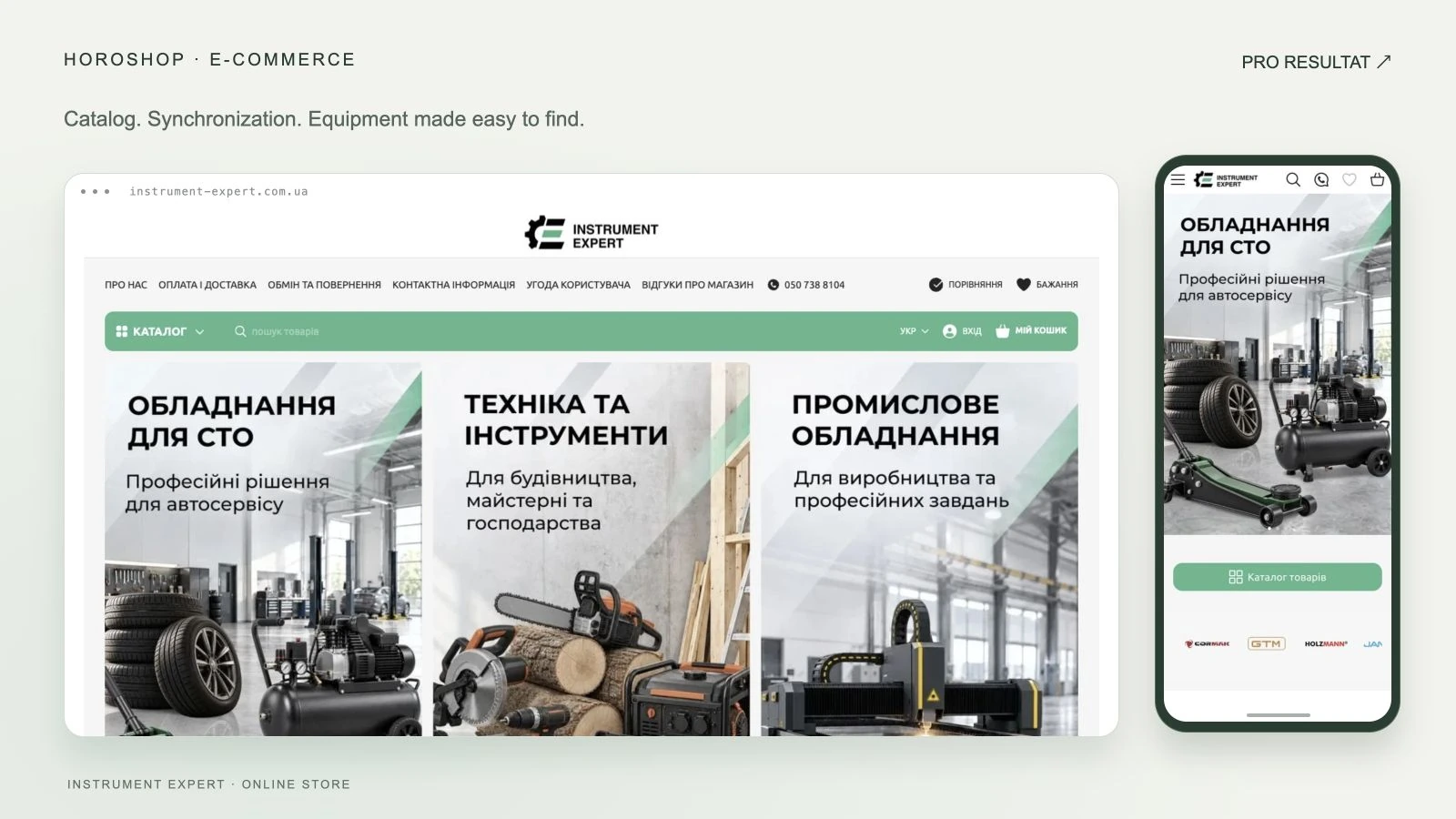
- Platform
- Horoshop
- Store preparation
- 10 days
- Catalog
- Automatic sync
- Orders
- Sent to supplier
About the project
Instrument Expert sells professional tools and equipment for automotive workshops, construction, manufacturing and general use. The client already sold through Prom.ua and used supplier product feeds. The business needed a separate sales channel with clear navigation and automated catalog maintenance.
- Business
- Tools and equipment
- Market
- Ukraine
- Platform
- Horoshop
- Scope
- Logo, storefront and automation
Thousands of products without duplicate manual work
Transferring the assortment was only part of the task. Supplier workflows needed to remain automated, so running two stores would not require continual manual editing of the same products.
Storefront and operations planned together
We recommended Horoshop, used short briefs for the website and logo, and agreed on a direction. Alongside the storefront, we planned product data exchange and supplier order transfer.
Three logo concepts
We prepared three logo concepts and color variations. The client selected a monogram with a gear element and green accent, which appears on the website. We agreed on the logo with the client in approximately two days.

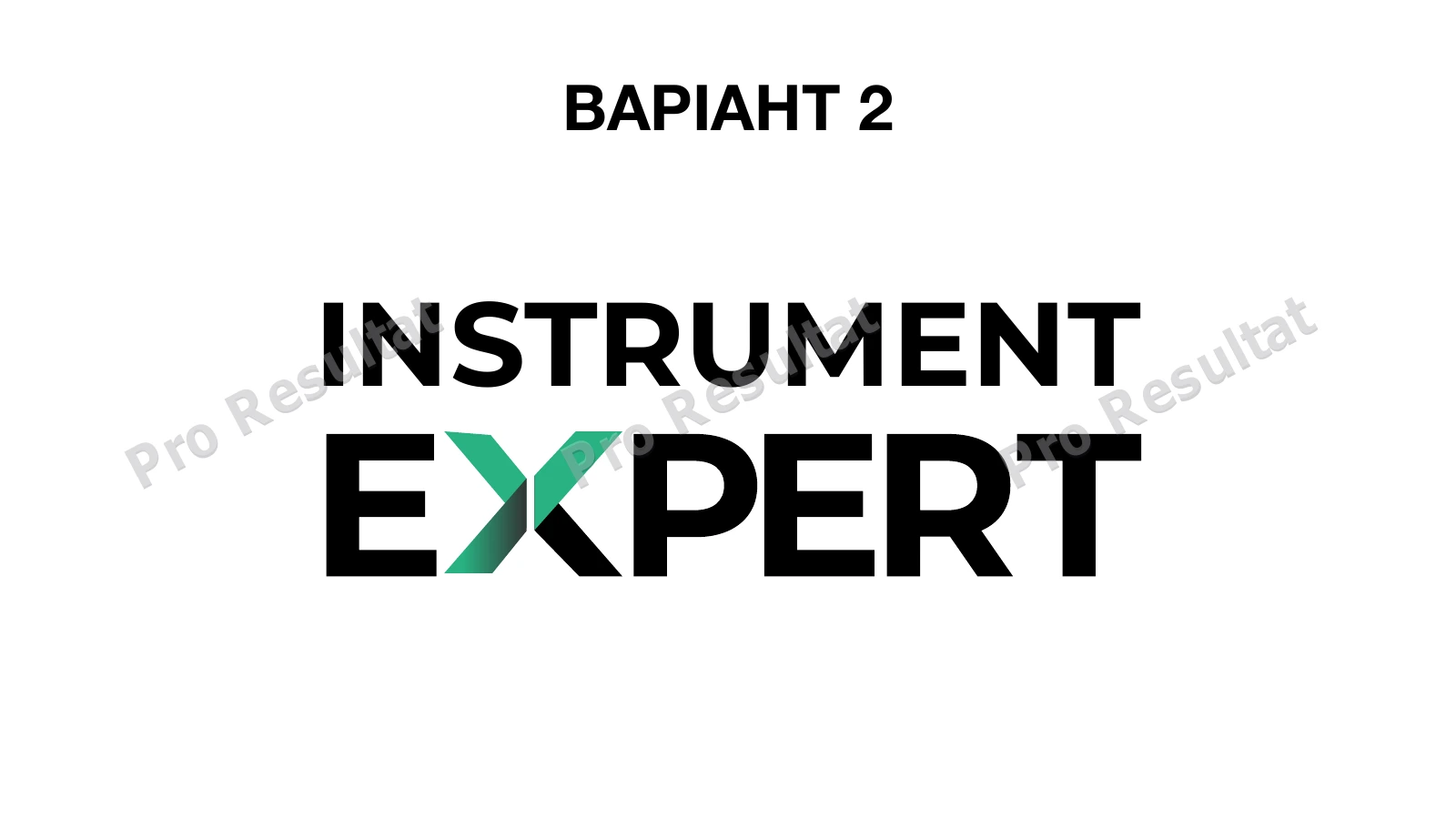
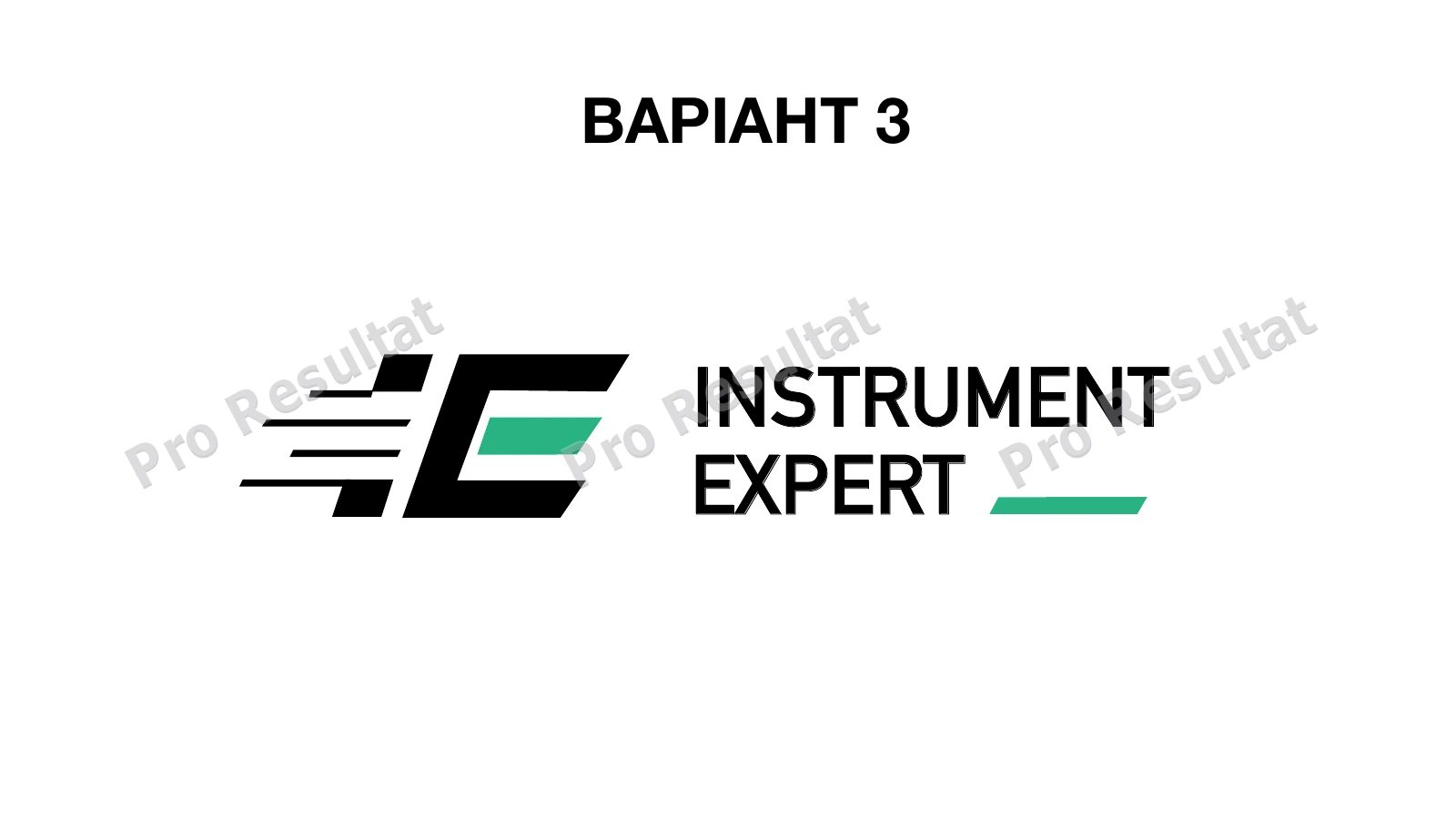
The logo informed the storefront’s visual presentation. This work is part of brand identity design.
What we delivered for launch
01
Structure and content
We built the homepage, banners, multilevel catalog and subcategories. We prepared a bilingual structure and pages covering the company, payments, delivery, returns, contacts and terms of use.
02
Products and purchasing
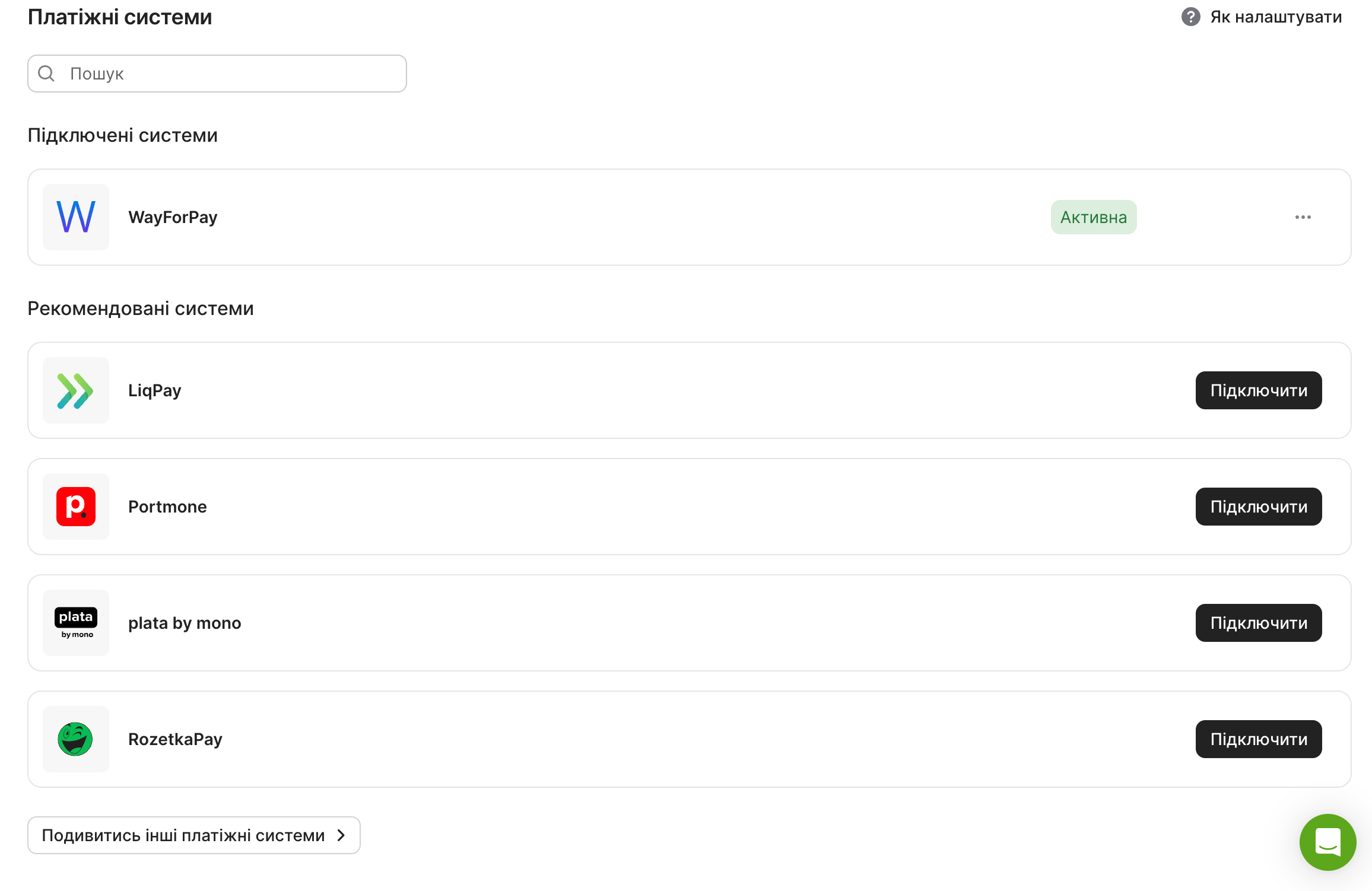
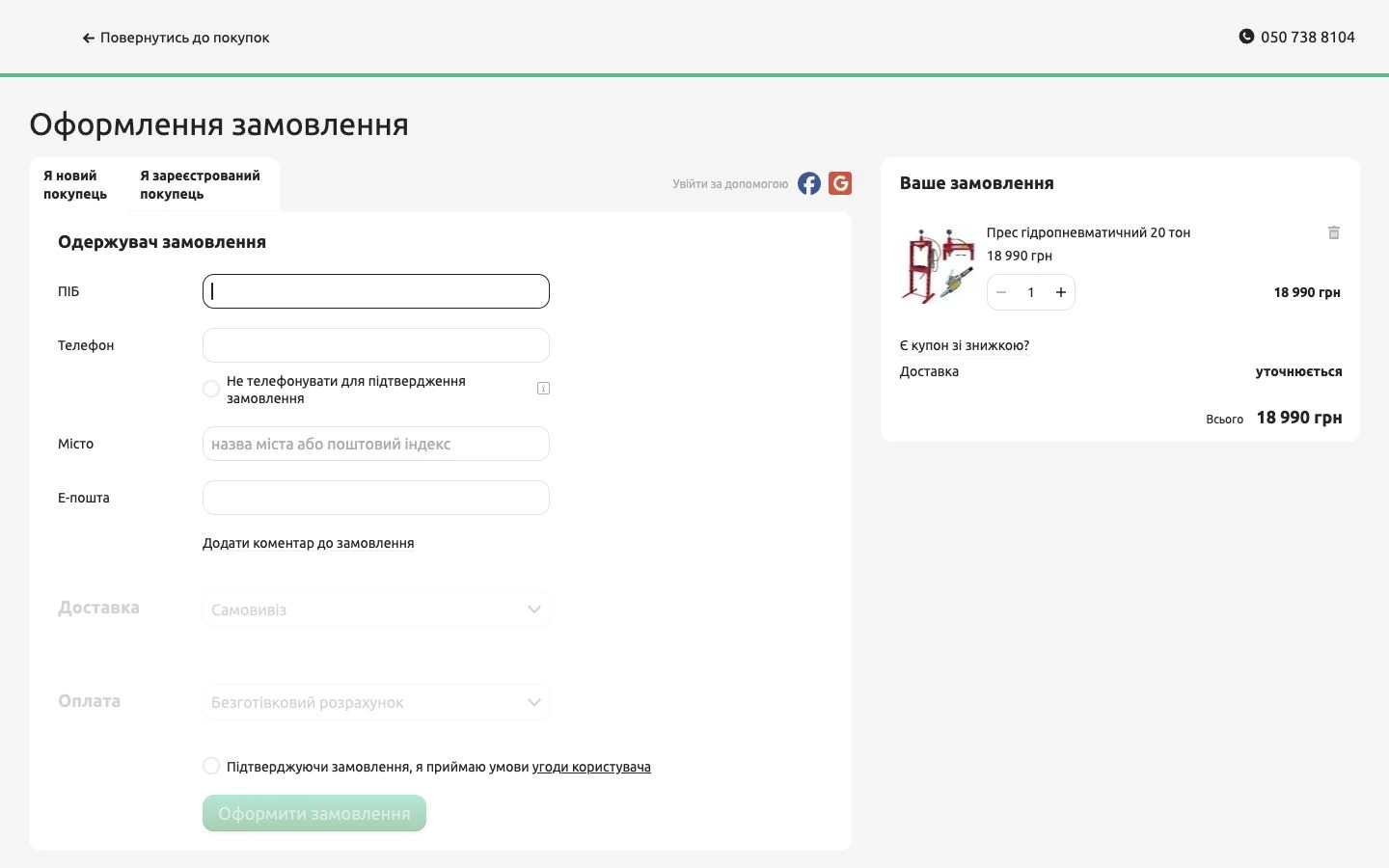
We configured product pages, the cart and checkout, along with the required payment and delivery options. We connected WayForPay for online payments.
03
Analytics and telephony
We connected GA4, Google Tag Manager, Merchant Center and heatmaps. Calls from both websites were managed through one Binotel administration panel.
Homepage and navigation
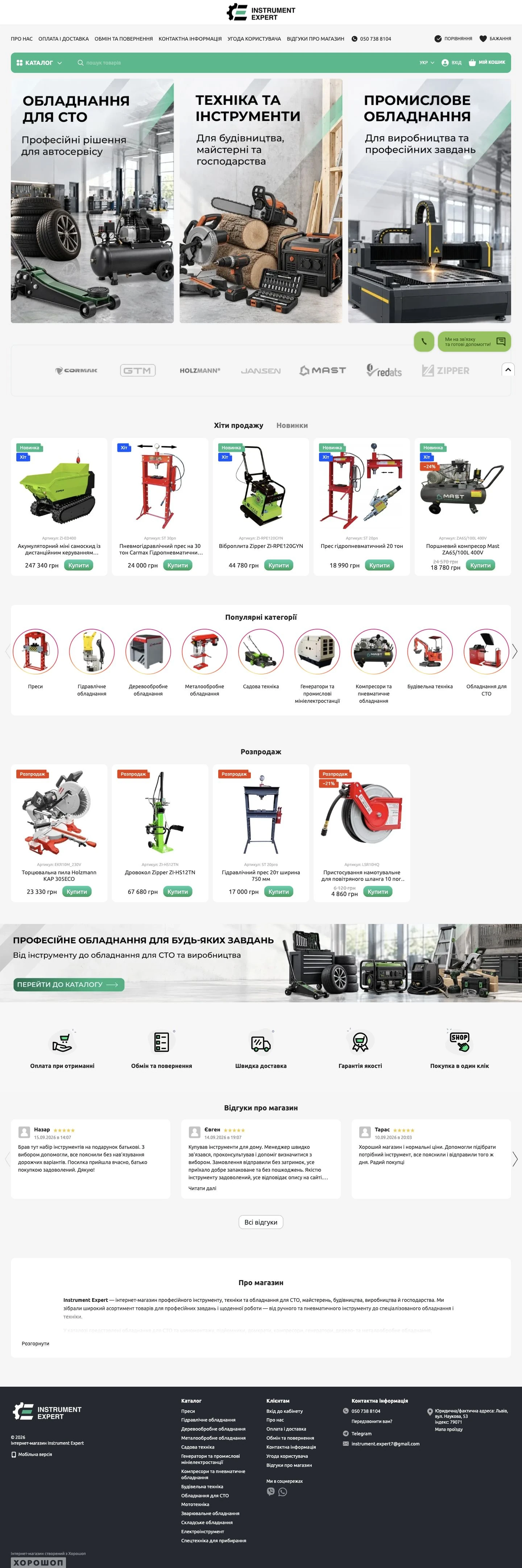
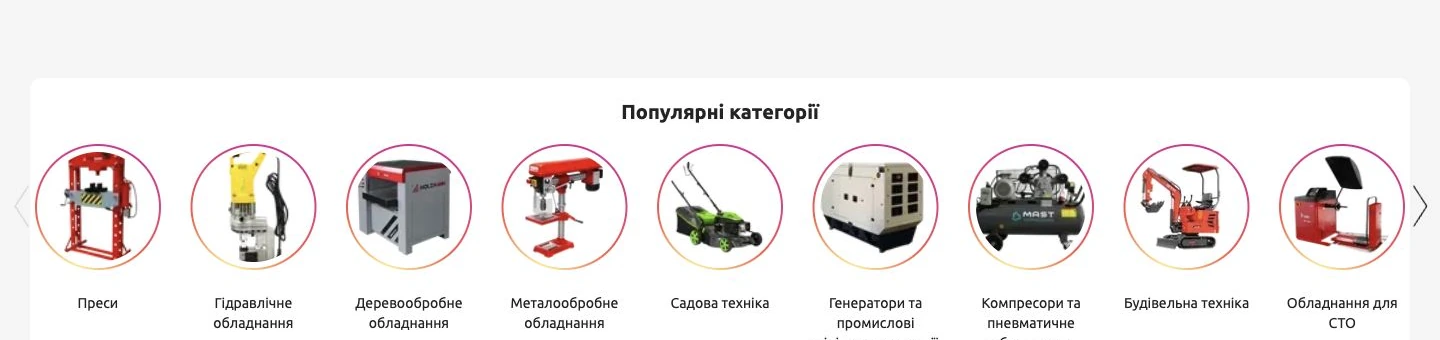
The homepage combines banners for the main product areas, brands and visual links to equipment categories.
The purchase funnel: from discovery to the supplier
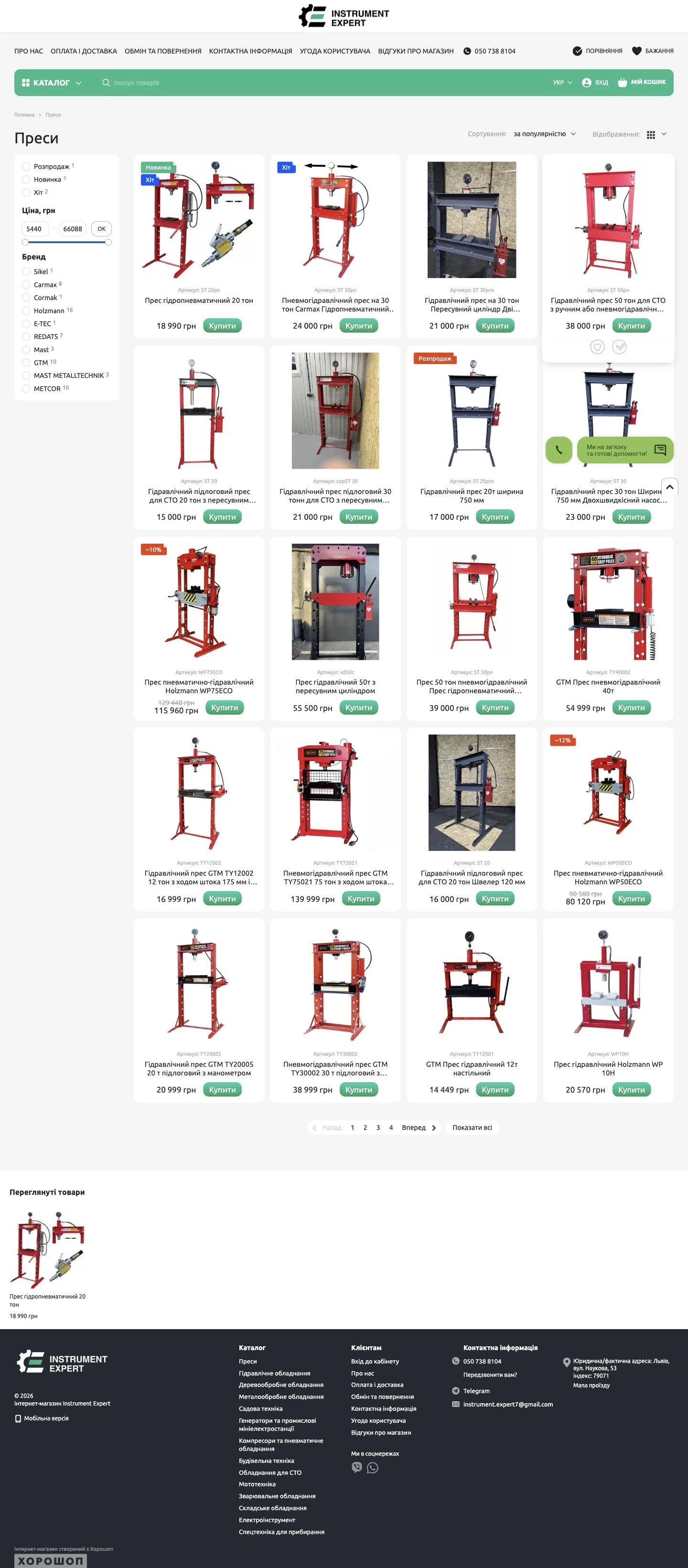
We connected the customer journey to order handling. The catalog helps visitors find equipment, and product pages explain specifications and purchasing terms. Once an order is placed, the system automatically sends it to the supplier.
- 01 · Catalog
- Choose a category and product
- 02 · Product page
- Review details and terms
- 03 · Order
- Cart and checkout
- 04 · Supplier
- Automatic order transfer
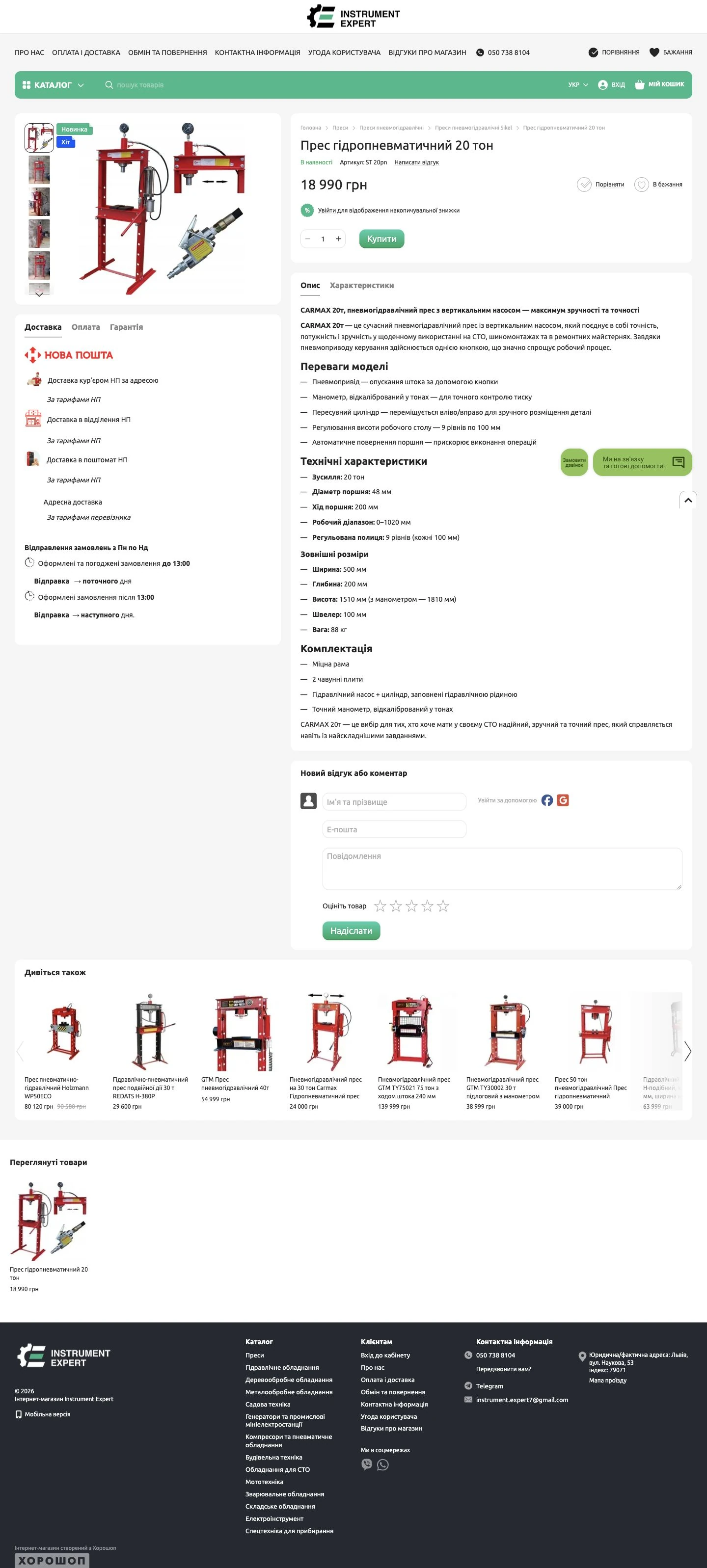
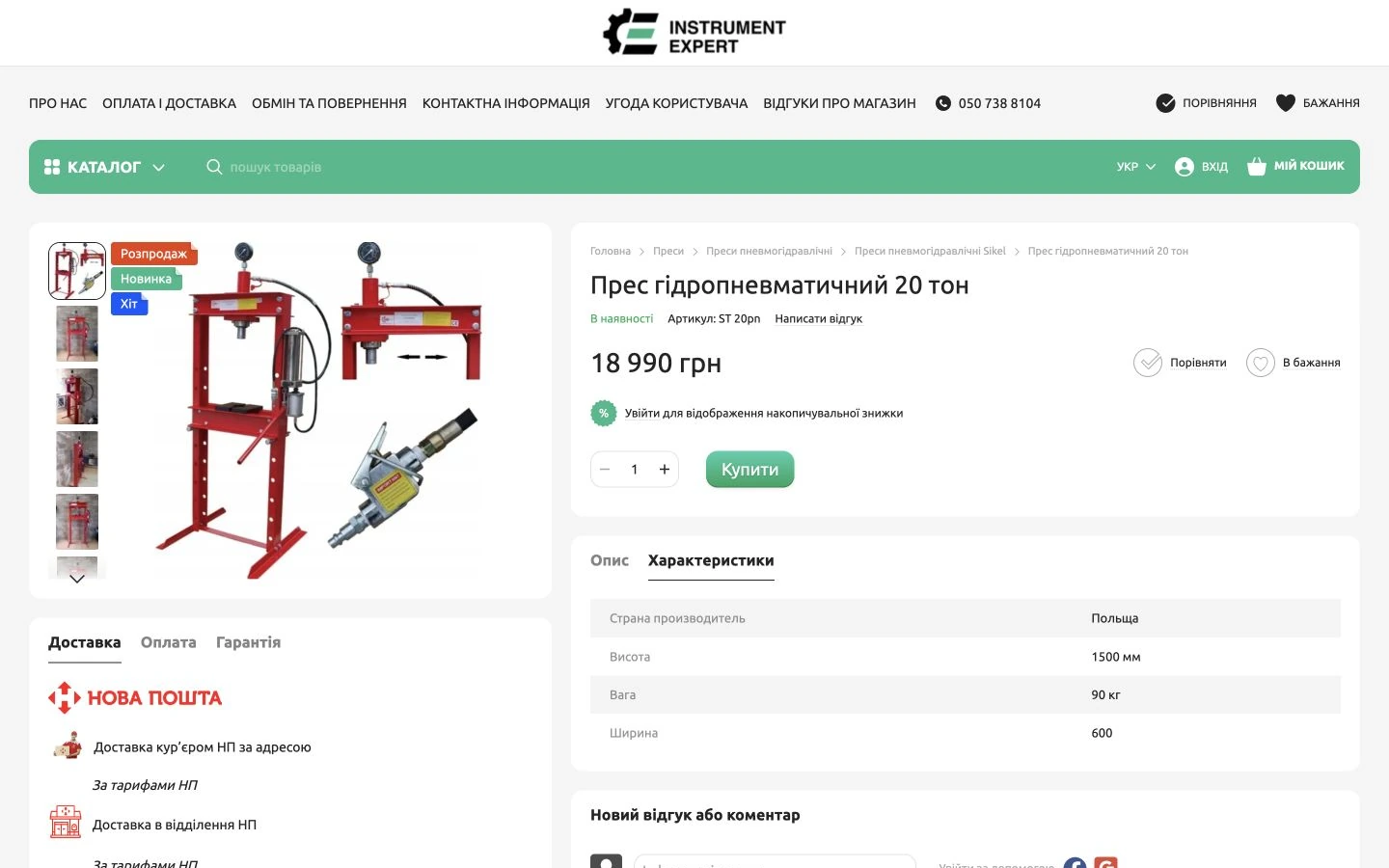
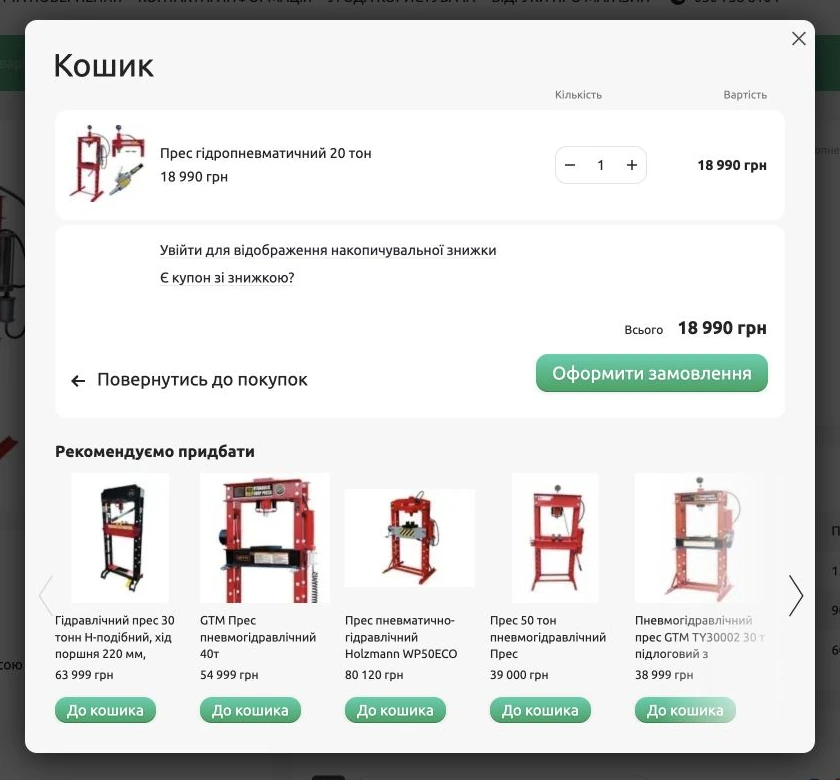
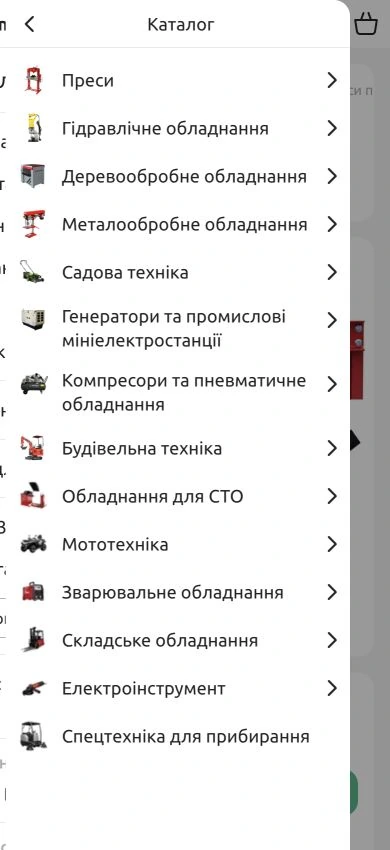
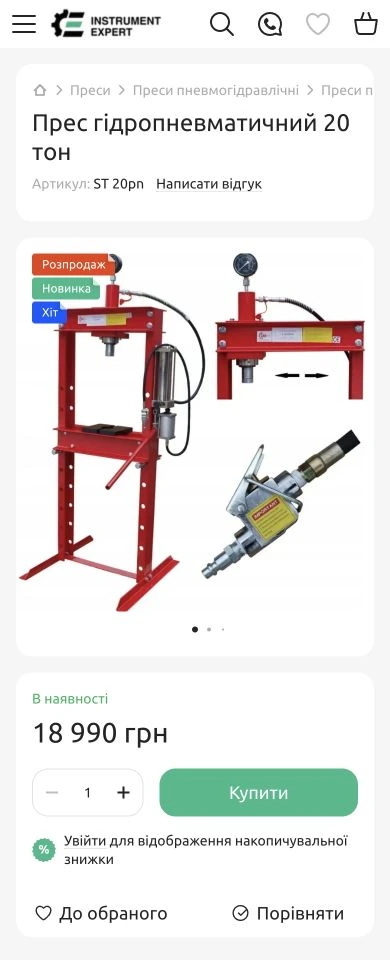
The mobile storefront
On mobile, visitors can use the homepage, nested catalog navigation and product pages with pricing and purchase controls.
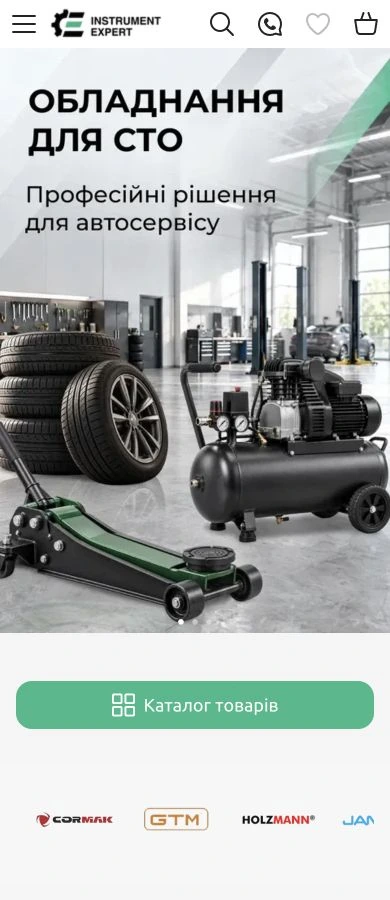
Two stores, one update workflow
The client already sold on Prom.ua and wanted Horoshop as a second sales channel. The key task was to connect both stores to supplier feeds and avoid editing the same products twice.
Suppliers update their data
Product additions and price changes in supplier feeds flow into the store update process automatically.
Two stores without duplicate editing
When the client needs to add, edit or remove a product manually, they work in Prom.ua. The corresponding changes synchronize to Horoshop.
The manager focuses on customers
The catalog updates automatically and placed orders are sent to the supplier. The client handles calls, customer support and sales confirmation.
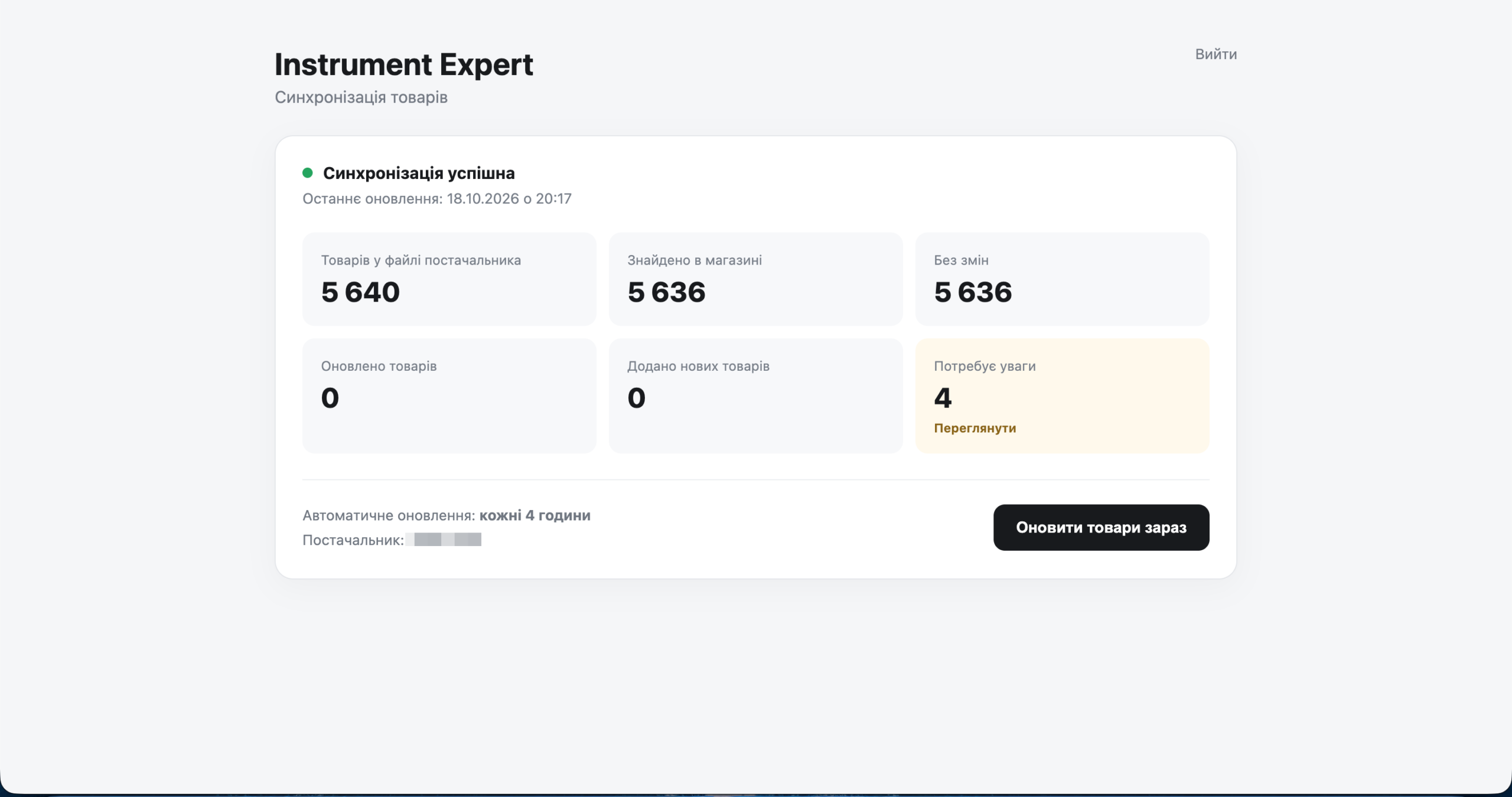
We wrote and deployed custom synchronization code on the server and built a management dashboard. The system retrieves and processes feeds, exchanges data through the Horoshop API and runs updates every four hours. Product removal handling and supplier order transfer also operate in the live store.
This is a semi-automated setup: it handles product data exchange and order transfer, while the manager remains responsible for customer communication.
As of October 18, 2026, the feed contained 5,640 items: 5,636 matched to the store and four requiring attention. These four products had no category assigned in the supplier’s feed. The dashboard shows their IDs and names, so we can ask the supplier to correct the source data or assign the products to the appropriate categories in the store.
View the synchronization dashboard
How the server side is organized
Functional overview of the integration, from data sources to store updates.
Feeds and API
Retrieve and process product data and synchronize it with Horoshop.
Operational checks
Dashboard with run status, matched product counts and items requiring review.
Server resources
Integration code, operational data and backups are maintained separately from the public storefront.
Payments and checkout
We connected WayForPay and configured the journey from cart to checkout. Customers choose payment and delivery options before the order moves into processing.
Benefits, reviews and useful links
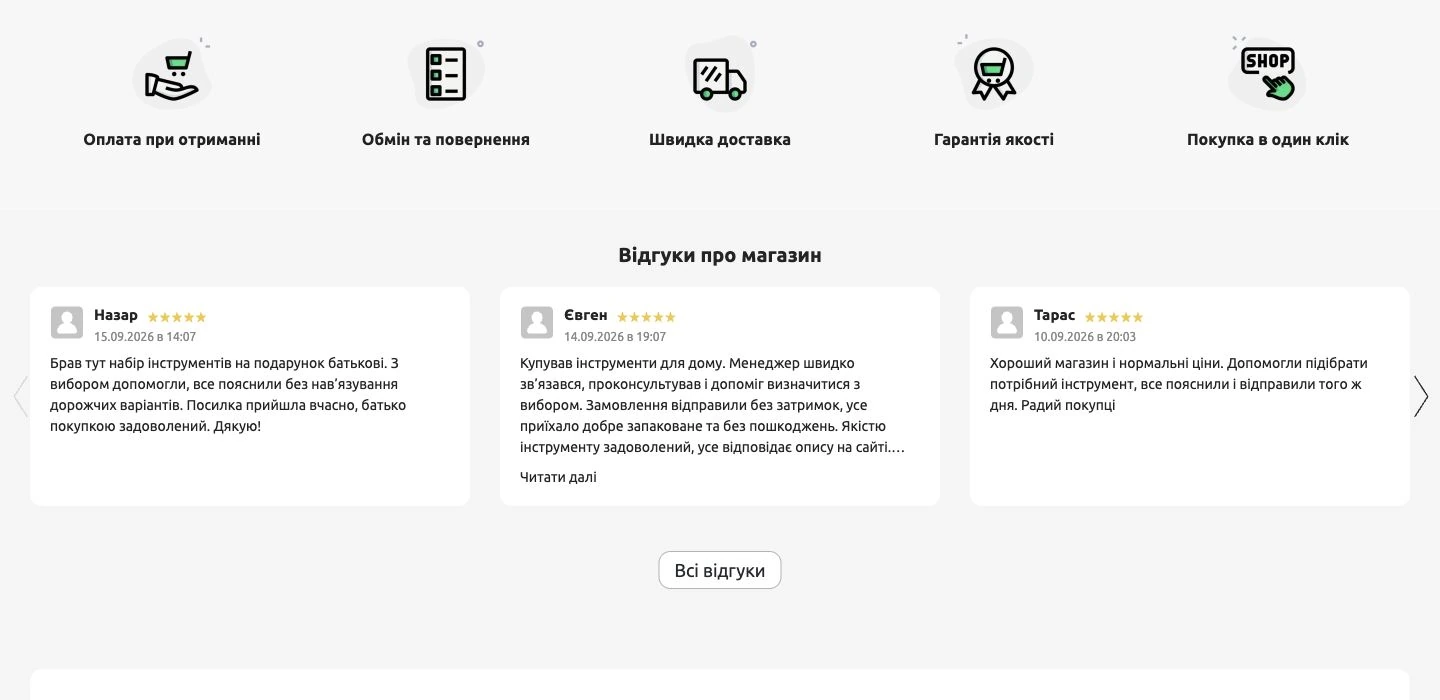
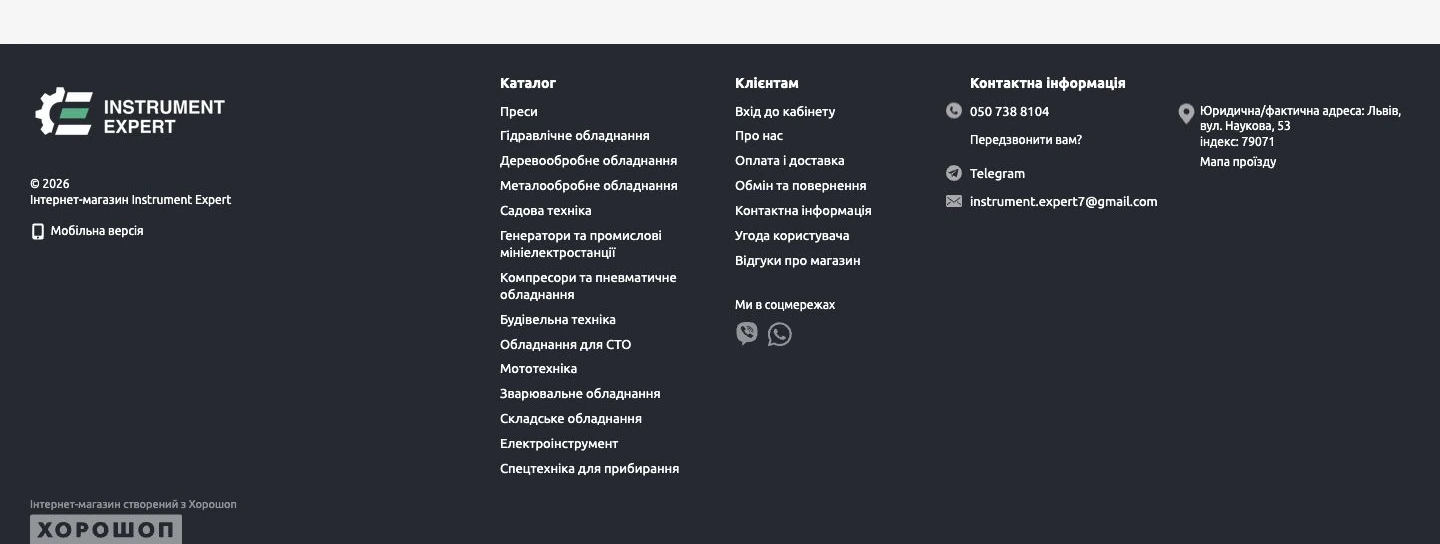
The homepage brings together the store’s offer, benefits and customer reviews. The footer complements this with links to the catalog, purchasing terms and contact information.
Seven days in figures: October 11–17
During October 11–17, 2026, the store recorded 12 orders with a total value of UAH 62,402. The report shows 1,356 visitors and an average order value of UAH 5,200.17. This seven-day snapshot shows the storefront receiving both visitors and orders.
- Orders
- 12
- Order value
- 62,402 UAH
- Average order value
- 5,200.17 UAH
- Visitors
- 1,356
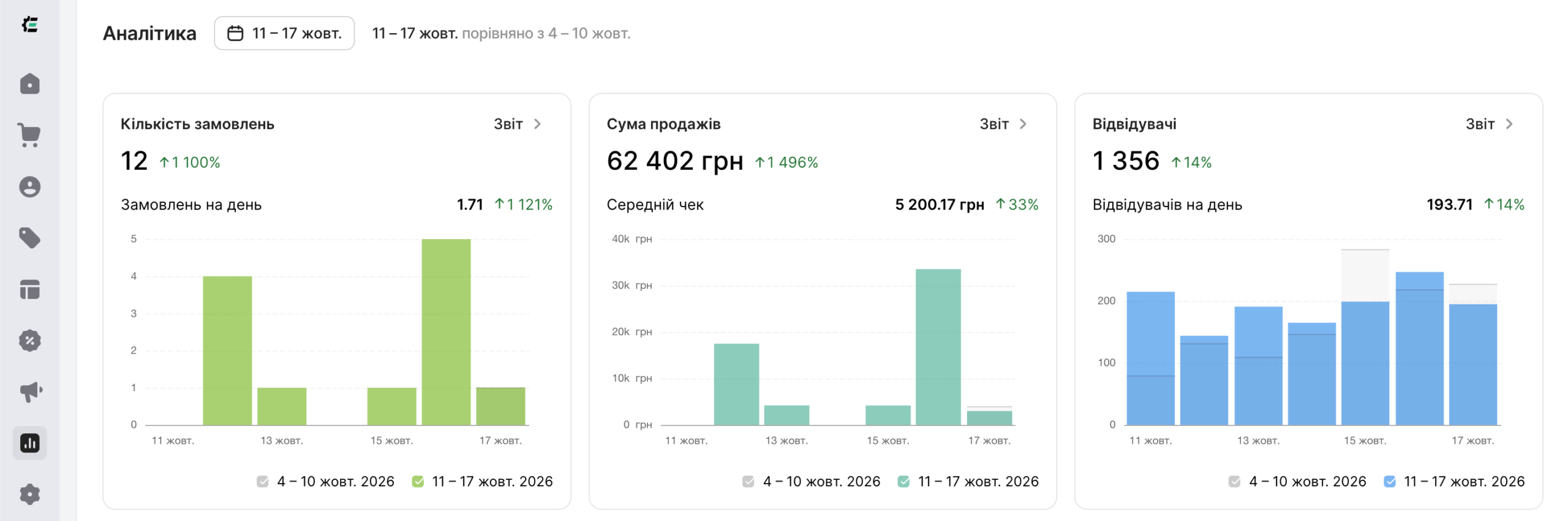
The Horoshop report shows the value of placed orders for the stated week.
What the client received
The client received a standalone store with an approved logo, structured catalog and purchase journey, plus a synchronization and order-transfer system. Both websites retained centralized call handling and automatic product data updates.
For a similar project, explore Horoshop store development or full-cycle website development. To discuss integration with your processes, tell us about your project.
The choice of mark and its color versions are covered in the Instrument Expert logo case.