Instrument Expert: from three concepts to a store logo
We developed three logo options for a new store. The client chose the monogram with a gear element, which was used on the website.
View the results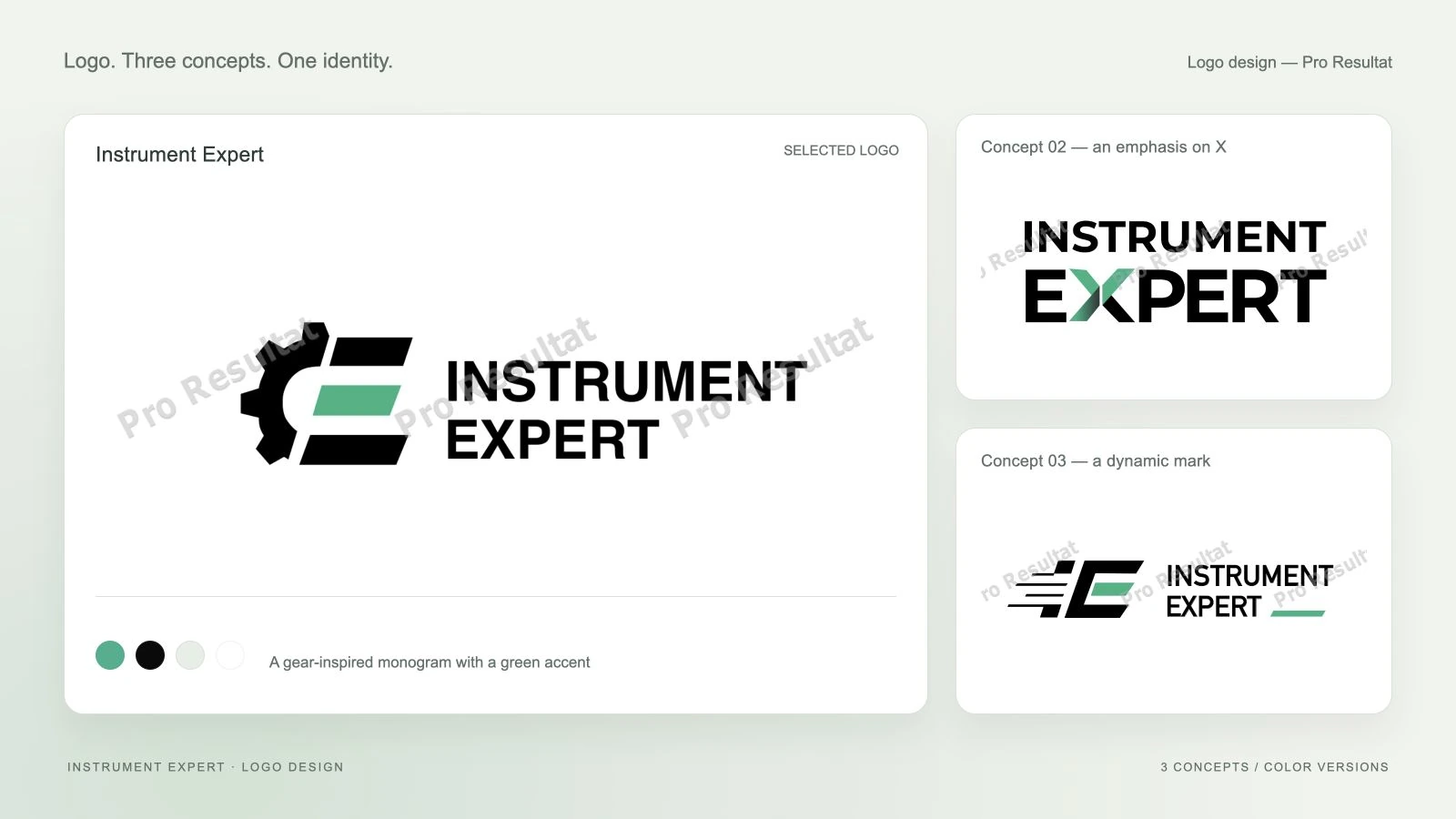
- Concepts
- 3
- Selected option
- 01
- Application
- Online store
- Logo versions
- Light and dark
About the project
While developing the Instrument Expert online store, we needed a logo for the new website. The task was practical: propose several directions, select a mark with the client and use it in the store design.
We developed logo concepts, colour versions and application examples for Instrument Expert. The Instrument Expert store launch case covers the catalog, orders and supplier synchronization.
- Client
- Instrument Expert
- Task
- Logo for a new online store
- Selection
- The first option, featuring a gear
Three ways to express a technical character
We prepared three directions in black and green: a gear-based monogram, an emphasized X and a dynamic linear mark. They offer different relationships between symbol and name while sharing a color foundation.
01
01 · Monogram
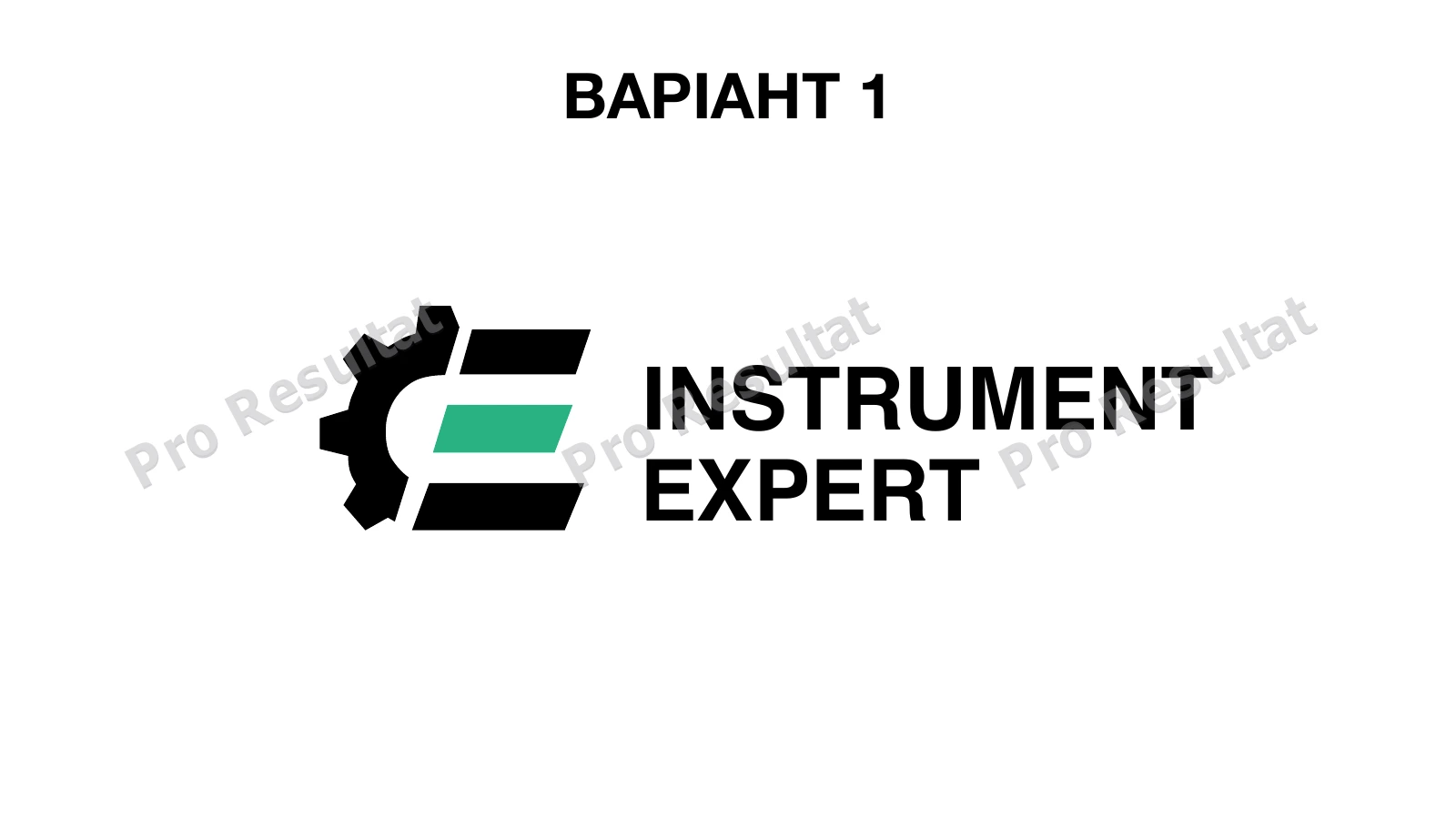
A gear element and compact symbol beside the name.
02
02 · Emphasized X
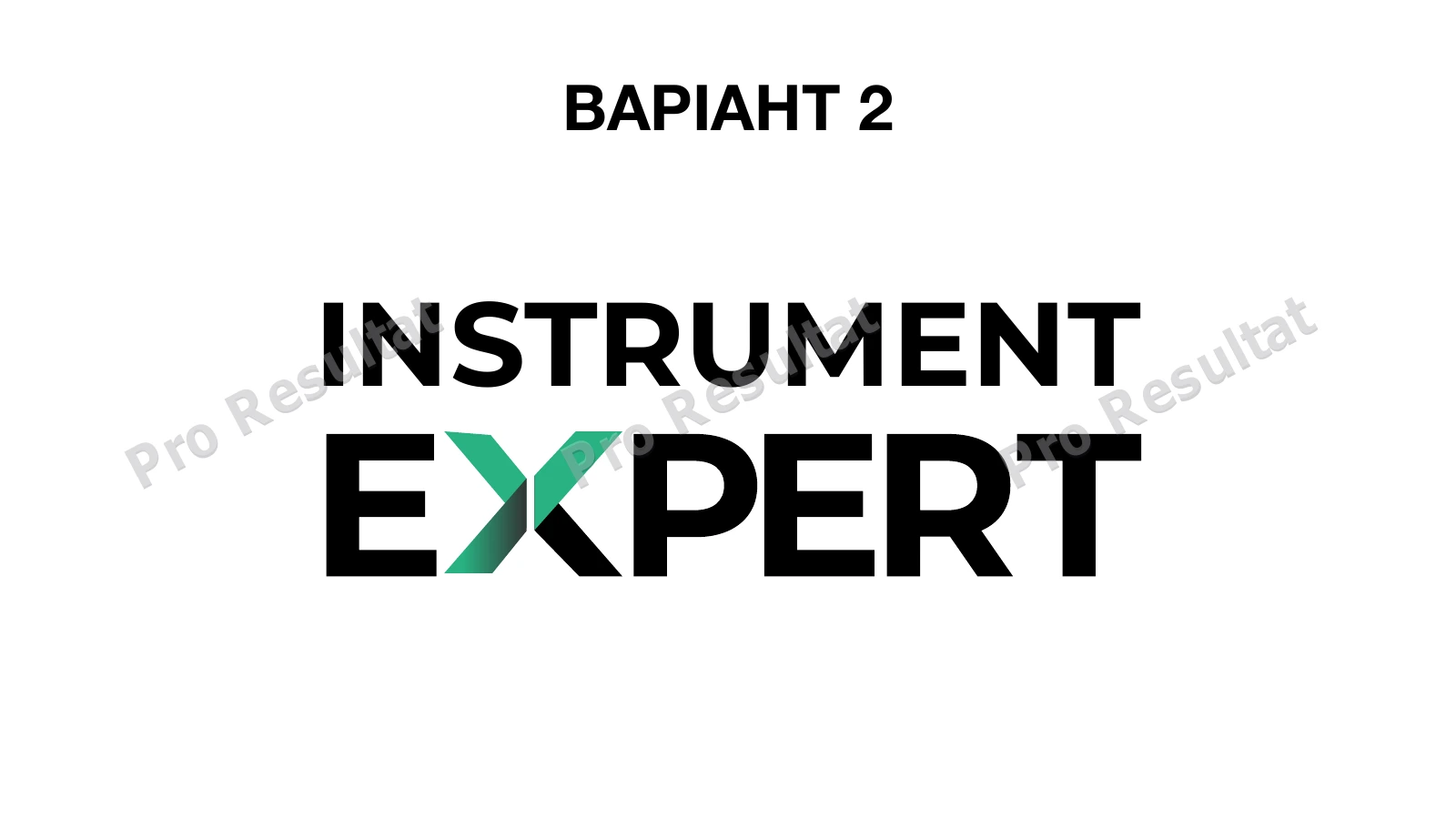
A graphic accent integrated into the word Expert.
03
03 · Linear motion
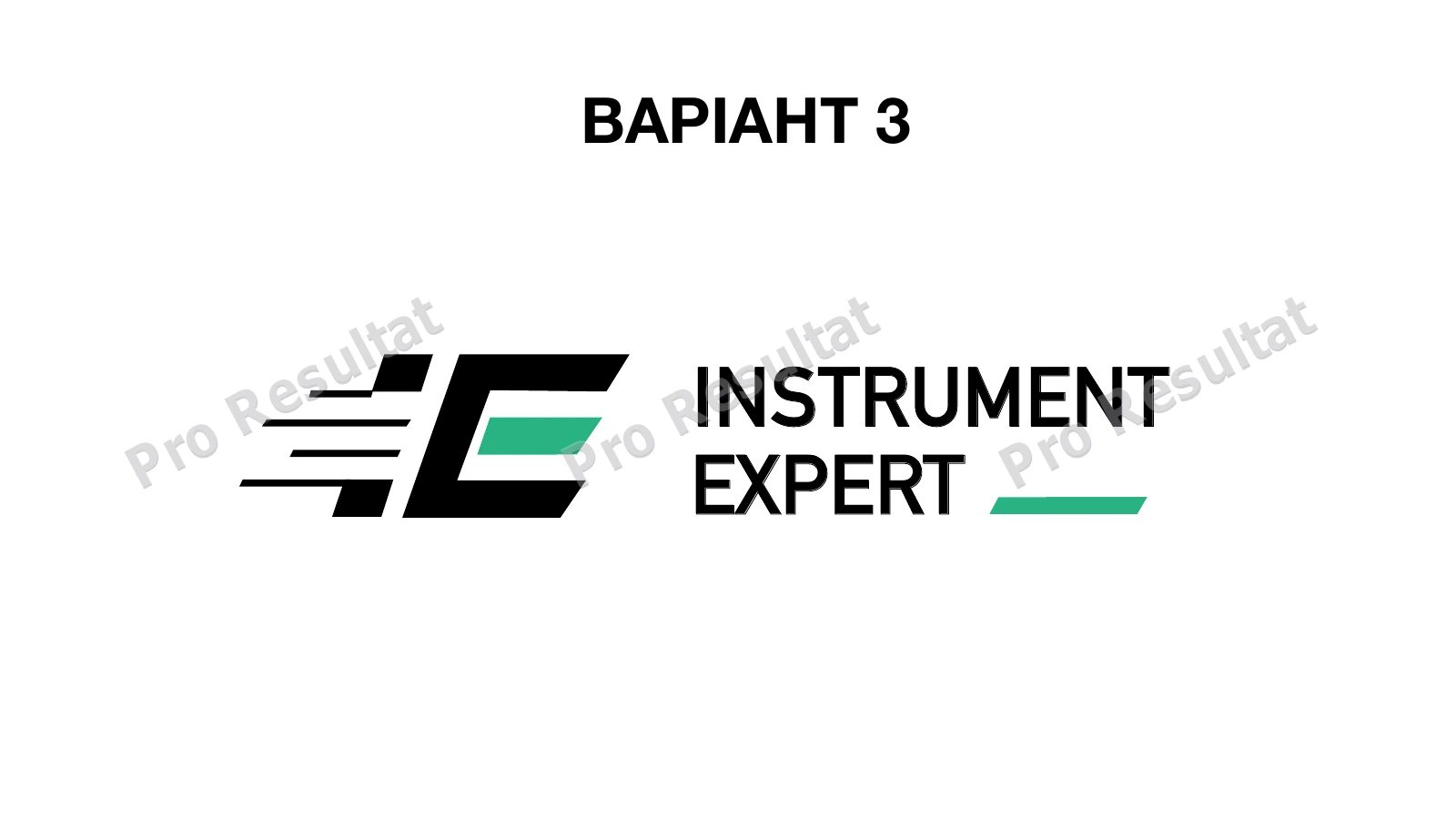
A monogram with dynamic horizontal elements.
Option 01: a monogram with a gear element
The first option combines a letterform, green accent and part of a gear. The name uses Helvetica, with restrained typography supporting the symbol and keeping the store name prominent. The client chose this direction for the website.
Options 02 and 03: alternative directions
In the second concept, X becomes the key element: green highlights it within Expert, while Montserrat provides the wordmark. The third concept combines a linear symbol with DIN Alternate Bold for a more dynamic composition.
Color versions of the selected mark
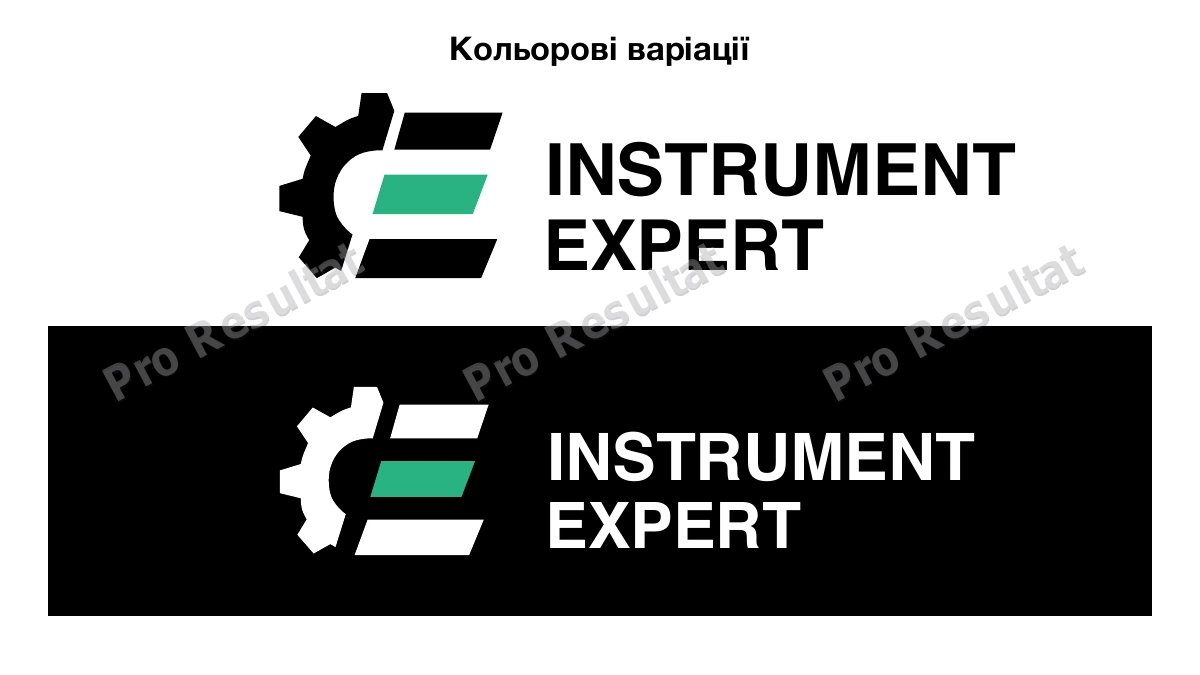
For the first direction, we showed versions on white and black backgrounds. The green accent stays consistent while the main symbol and name switch between light and dark versions.
The result: a mark used in the store
The client compared three options and selected the first: the monogram with a gear element. We used that logo on the Instrument Expert website, providing a concrete visual asset for the store launch.
Read about implementation in the Instrument Expert store case. For a similar design task, explore logo and visual identity design. Avelora Beauty shows another approach to typography.